


GamesMarketSocial
© 2026 The Grotto. All rights reserved.

Games to get lost in. Things to make yours. People to come back to.
Choose your computer.
v0.1.233 · 127.17 MB
This early release is unsigned. If Windows SmartScreen appears, choose More info → Run anyway.
64-bit (x64) · Windows 10+
Unsigned release
Automatic Desktop release from reviewed source 1a44533141f220ad67ce2fc7bf8cb4991060cd8e.
SHA-256
68e48349ccedb1d3bdee325b6dbcfaf8a331ff01e927b3212da40e54755c1e0d

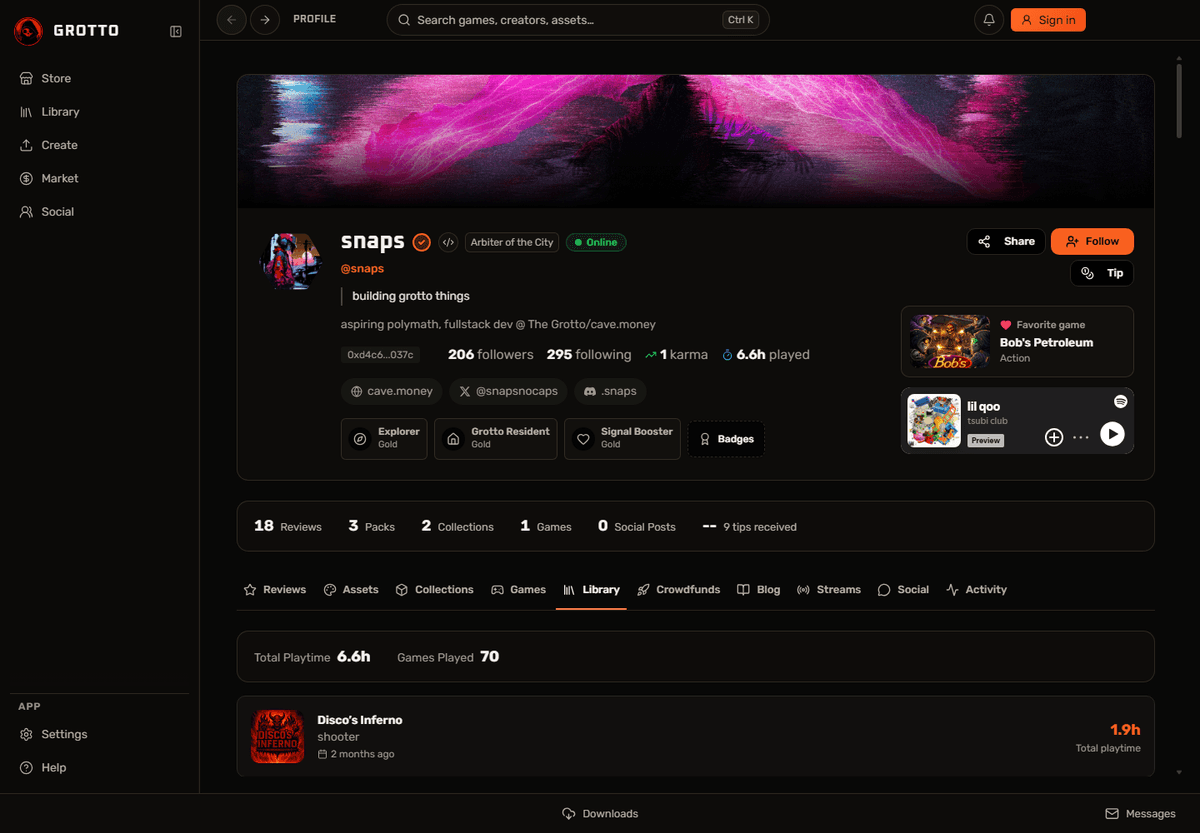
Explore the Grotto catalog, play instantly, and keep your favorites close.
Discover games, play instantly, or install them in your library.
Conversations and notifications stay within reach while you explore.
One Grotto account. Automatic updates. Windows and Apple Silicon.